Wedding invitations made from your own photo
Turn your engagement photo into a real, two-sided invitation. Write the date, time and venue on the back in a handwritten font, then send it to your guest list as a private link and see who has opened it.
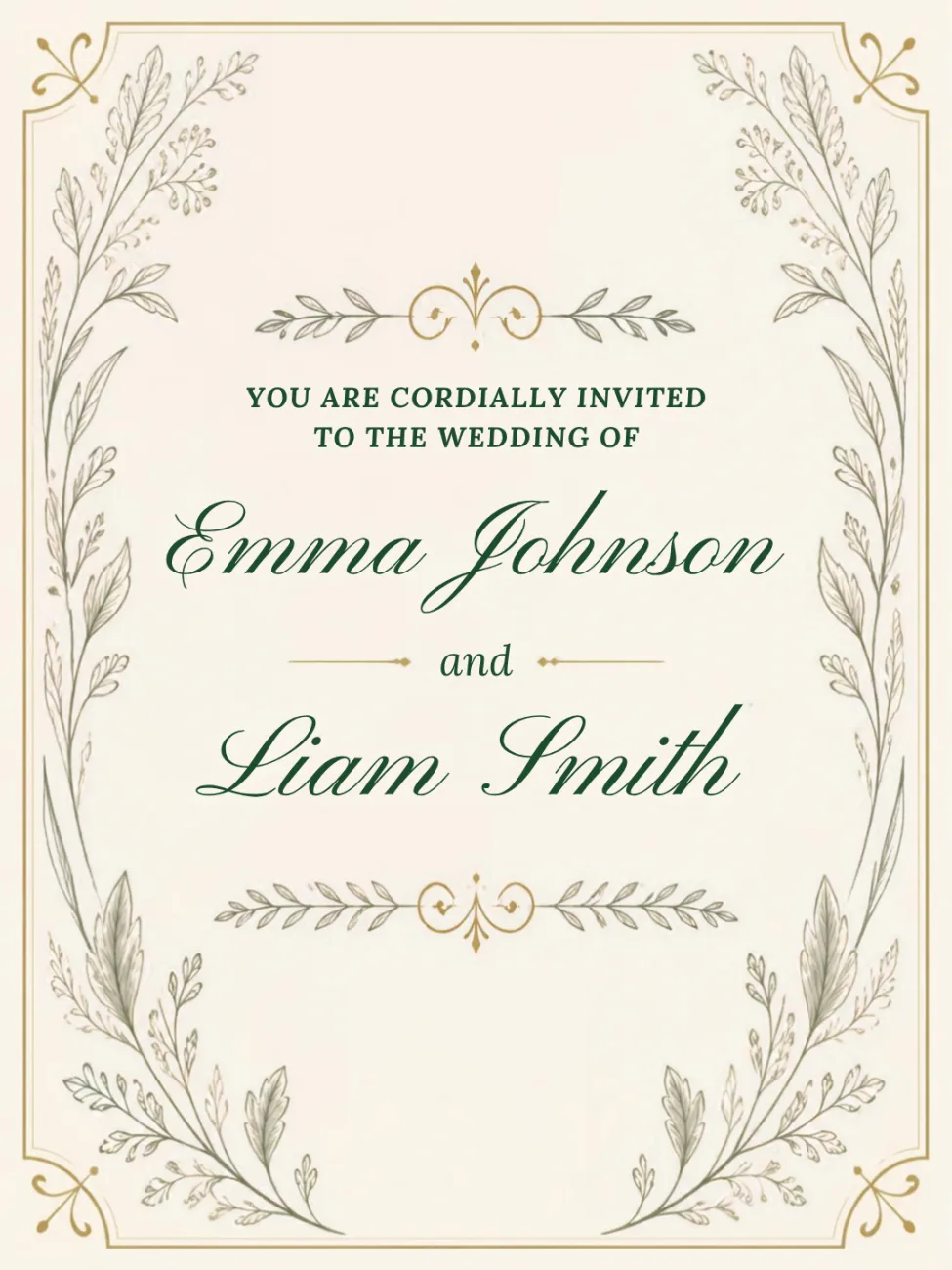
How it works
Upload your engagement photo, or any picture that feels like the two of you, for the front. On the back, write the date, time, venue and RSVP details in a handwritten font, then add a stamp. Share the private link by WhatsApp, text or email, and each guest opens an animated envelope before the invitation slides out.
- Front: your engagement photo, in landscape, portrait or square
- Back: the wedding details in a handwritten-style font, plus a stamp
- Send to one guest or your whole list, each with a personal link
- See in your dashboard who has opened the invitation
One invitation, your whole guest list
Paste your guest list, upload a spreadsheet, or share a collect link so guests add their own address themselves. Everyone gets a personal link, and your dashboard shows exactly who has opened the invitation, so you know who to follow up with before the RSVP deadline.
Send the save-the-date first, the invitation later
A lot of couples send a save-the-date months ahead, then the full invitation once the details are locked in. Both are their own card with their own link, and you can reuse the same guest list for both, so the second round takes minutes.
What a card looks like
Your photo or design on the front, your own words on the back.
Front

Back
Frequently asked questions
Make someone smile today
Upload a photo, write a few lines, and your postcard is on its way. No subscription or app needed.
Send your first card for free