The digital postcard, explained
A digital postcard is a real postcard, not a template e-card: your own photo, your own handwriting, a stamp, and an envelope, designed and delivered online in minutes.
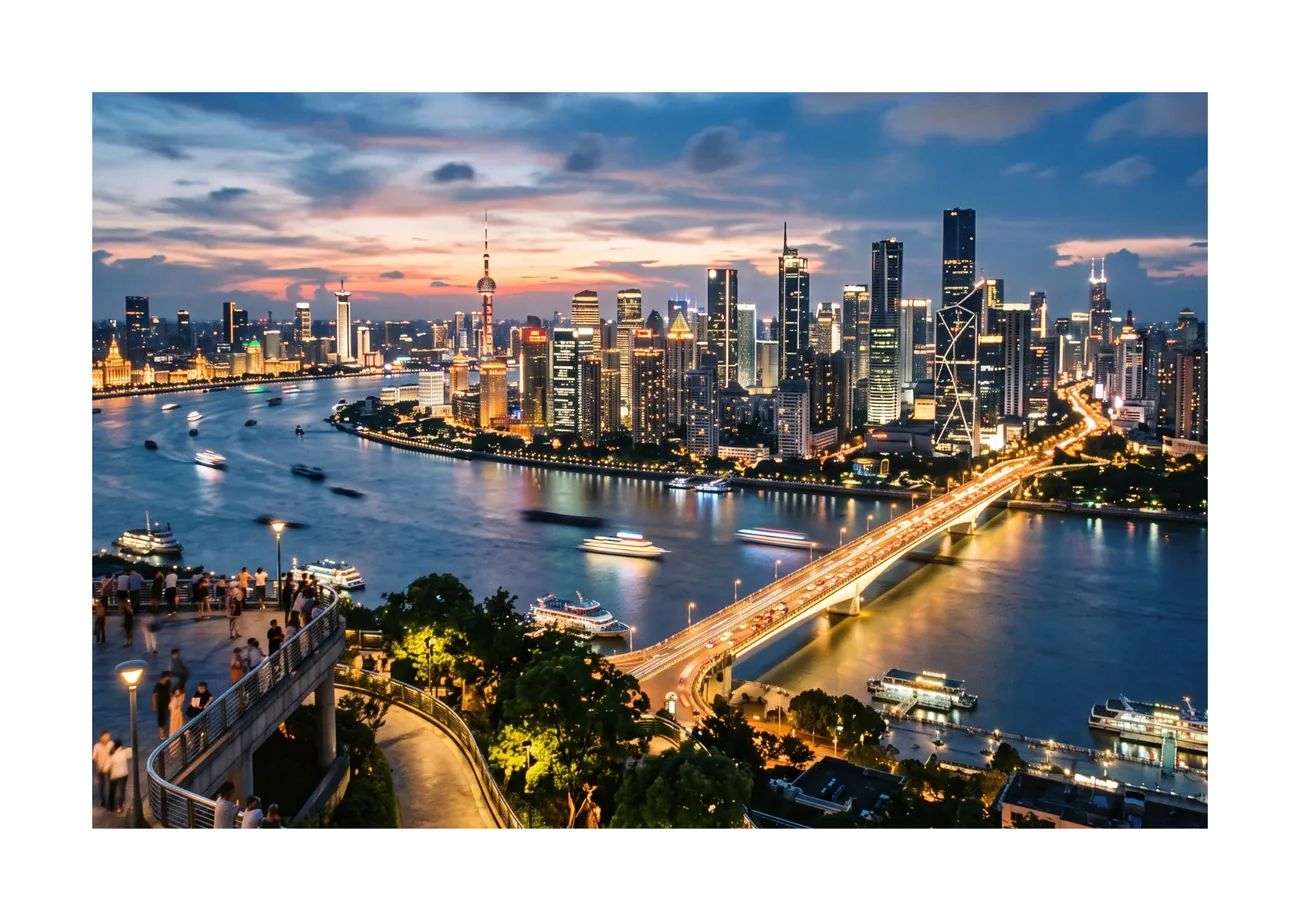
What is a digital postcard?
A digital postcard (also called a virtual postcard or online postcard) is a two-sided card you design on the web: the front is your own photo or PDF page, the back holds a message in a handwritten font and a stamp. Instead of a mailbox, you send a private link. The recipient opens an envelope animation, sees the front, and flips the card to read the back.
Digital postcard vs e-card
The words get mixed up, but they are different products:
| Digital postcard | E-card | |
|---|---|---|
| Front | Your own photo or PDF | A template you pick |
| Message | On the back, in handwriting, with a stamp | Inside the design |
| Delivery | Private link you send yourself, or email invites | Usually by email from the service |
| Feels like | Real mail: envelope, card, flip | A webpage greeting |
When to send a digital postcard
Send one anywhere a paper postcard would go: holidays, birthdays, thank-yous, births, invitations. It also covers everywhere paper is too slow. If you're travelling and want the card to land before you get home, you forgot a birthday until the day itself, or fifty guests all need the same card, a digital postcard gets there instantly, with a personal link for each person if you need one.
Make one in two minutes
Create a free account, upload a photo, write your message and share the link. That is the whole process, and the next page walks through it step by step.
Frequently asked questions
Is a digital postcard the same as an e-card?
No. An e-card is a pre-made template you fill in. A digital postcard is designed by you from your own photo, with a handwritten message on the back and a stamp. It looks and behaves like a real postcard, delivered by link.
Does a digital postcard cost anything?
Yes. Creating and sending your first postcards is free, with no credit card needed. You only upgrade when you want extras like higher limits.
Does the recipient need an app?
No. Anyone with the private link can open the card. The recipient sees a short envelope animation and then the postcard, with no sign-up and no app to install.
Can I use my own photos?
Yes. The front of the card is your own photo, image or PDF page. You can also upload your own stamp image and a second image for the back.
Make someone smile today
Upload a photo, write a few lines, and your postcard is on its way. Free to start, no app needed.
Make your card, free