How do I send a postcard online?
Upload a photo or PDF, write your message on the back, then create a private link. Share that link by WhatsApp, mail or text and your online postcard opens straight in the browser of the person you send it to.
Create an online postcard, share a private link, and delight the person you love. Your digital postcard slides out of an envelope, right in their browser.
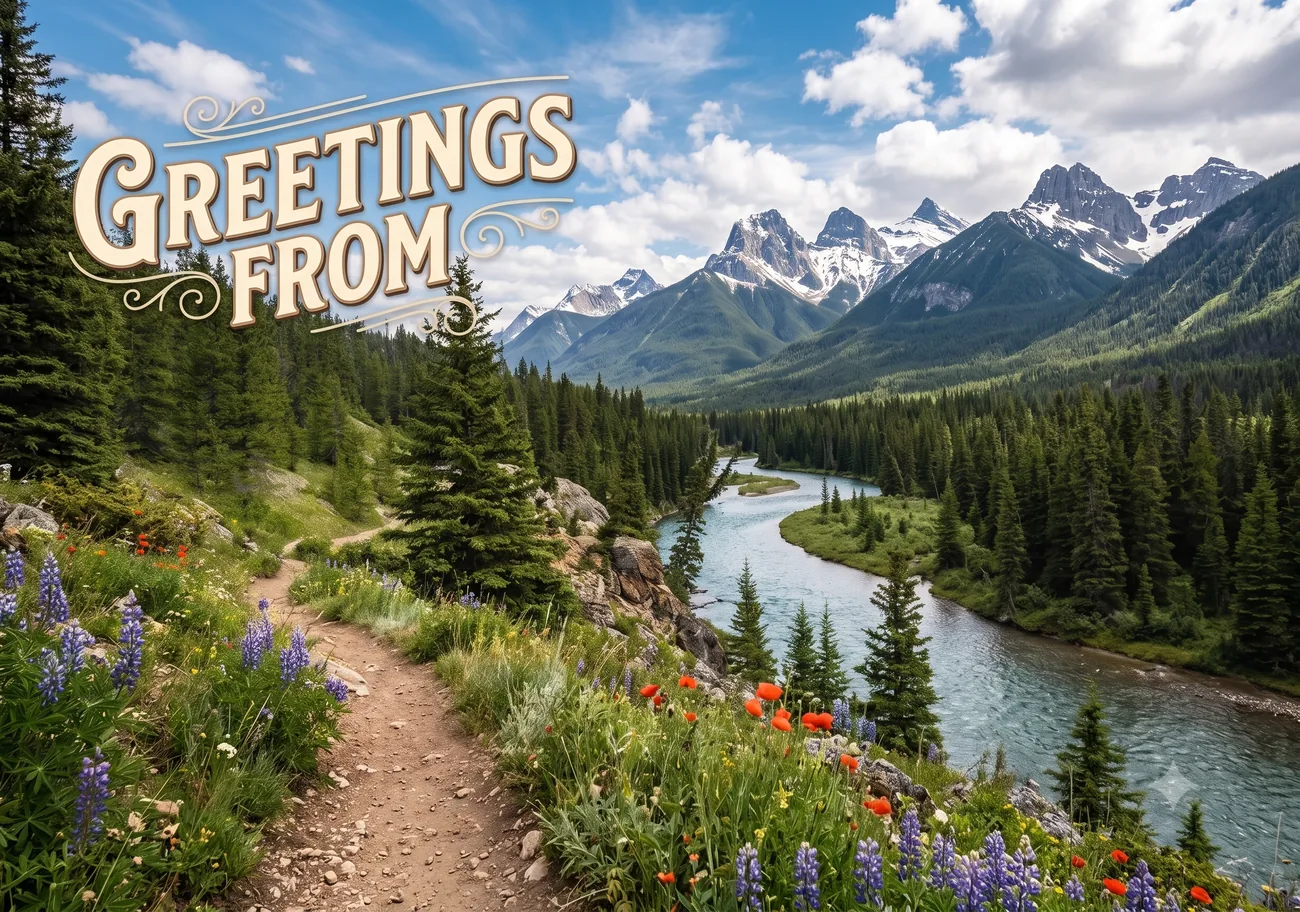
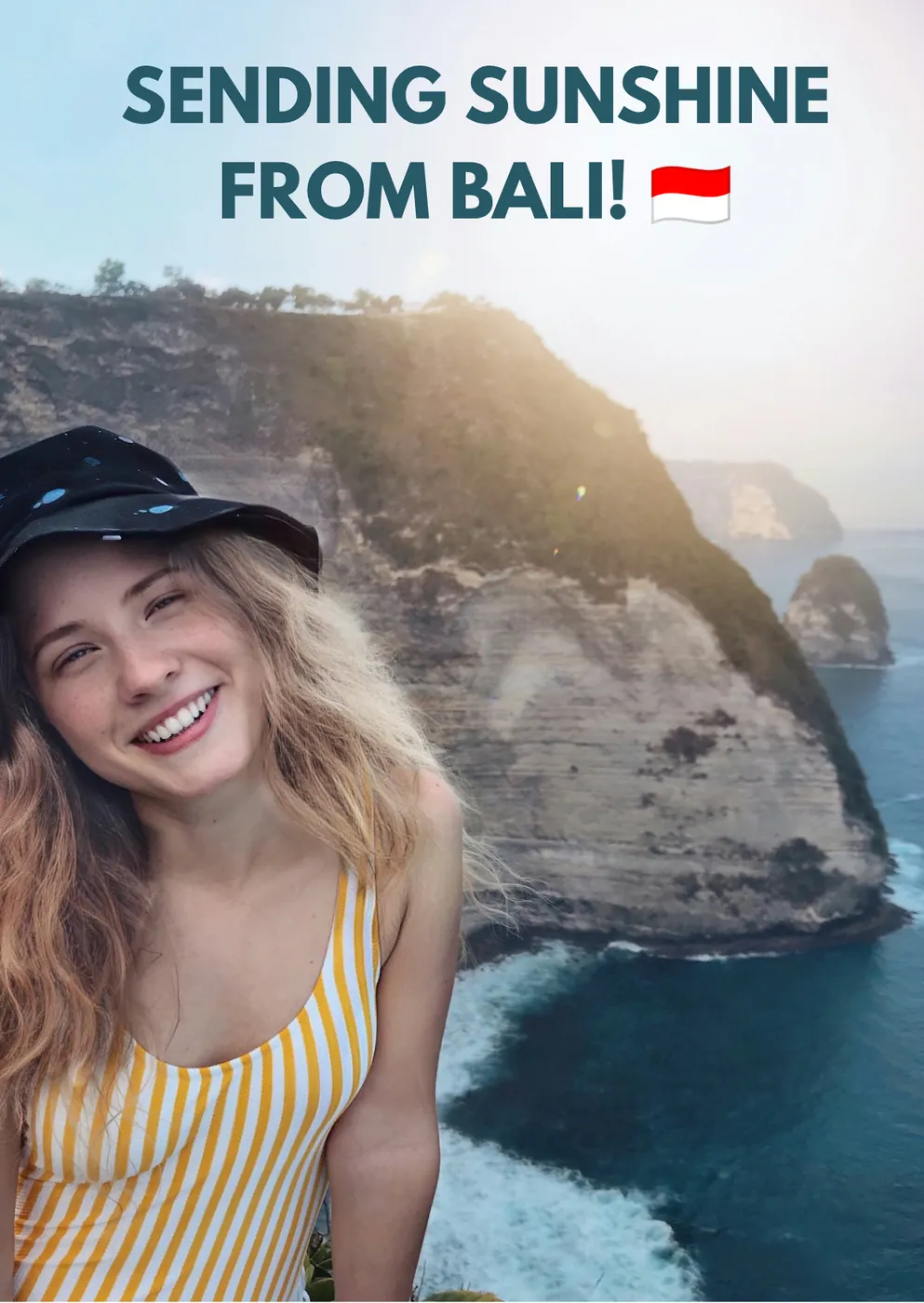
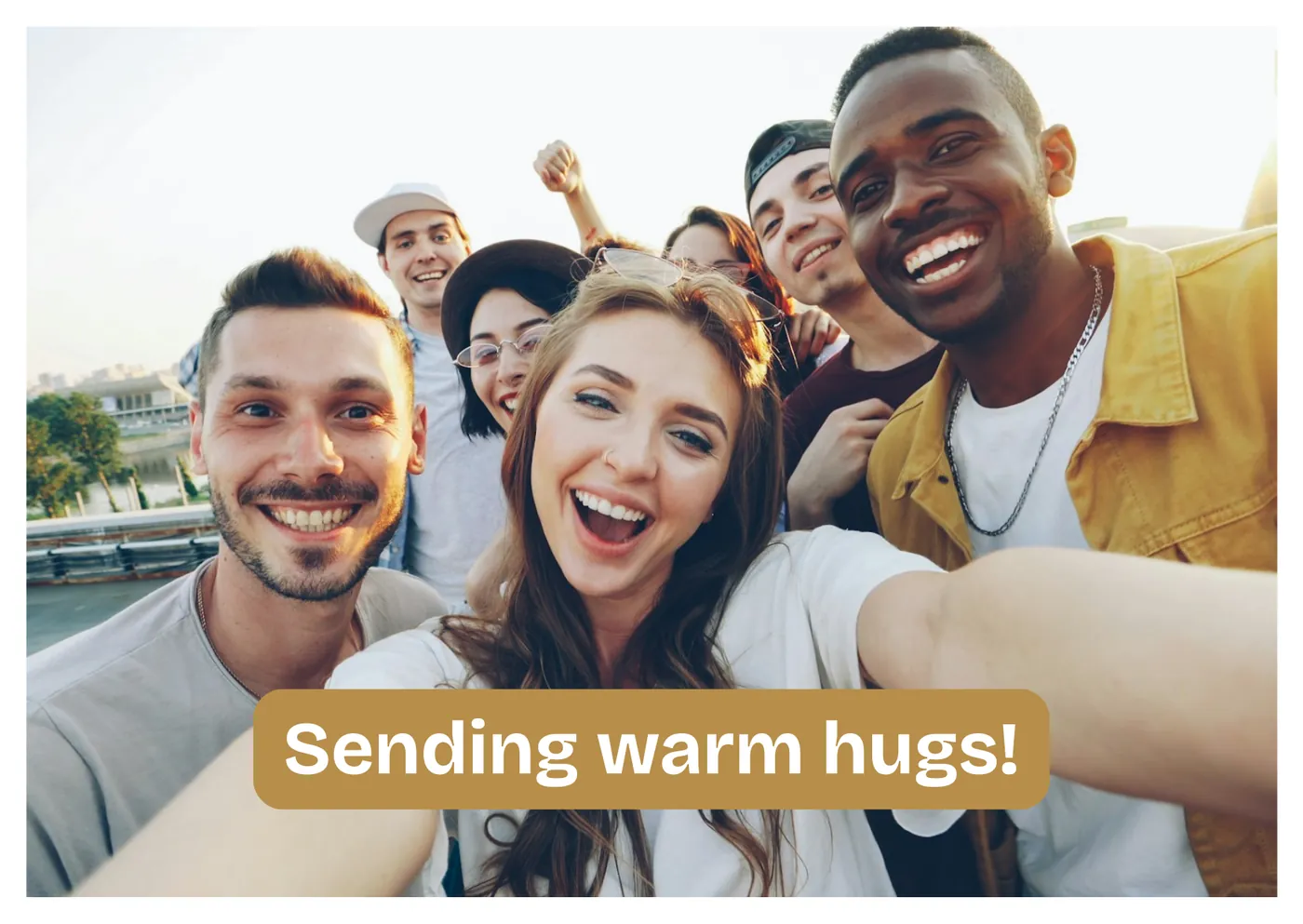

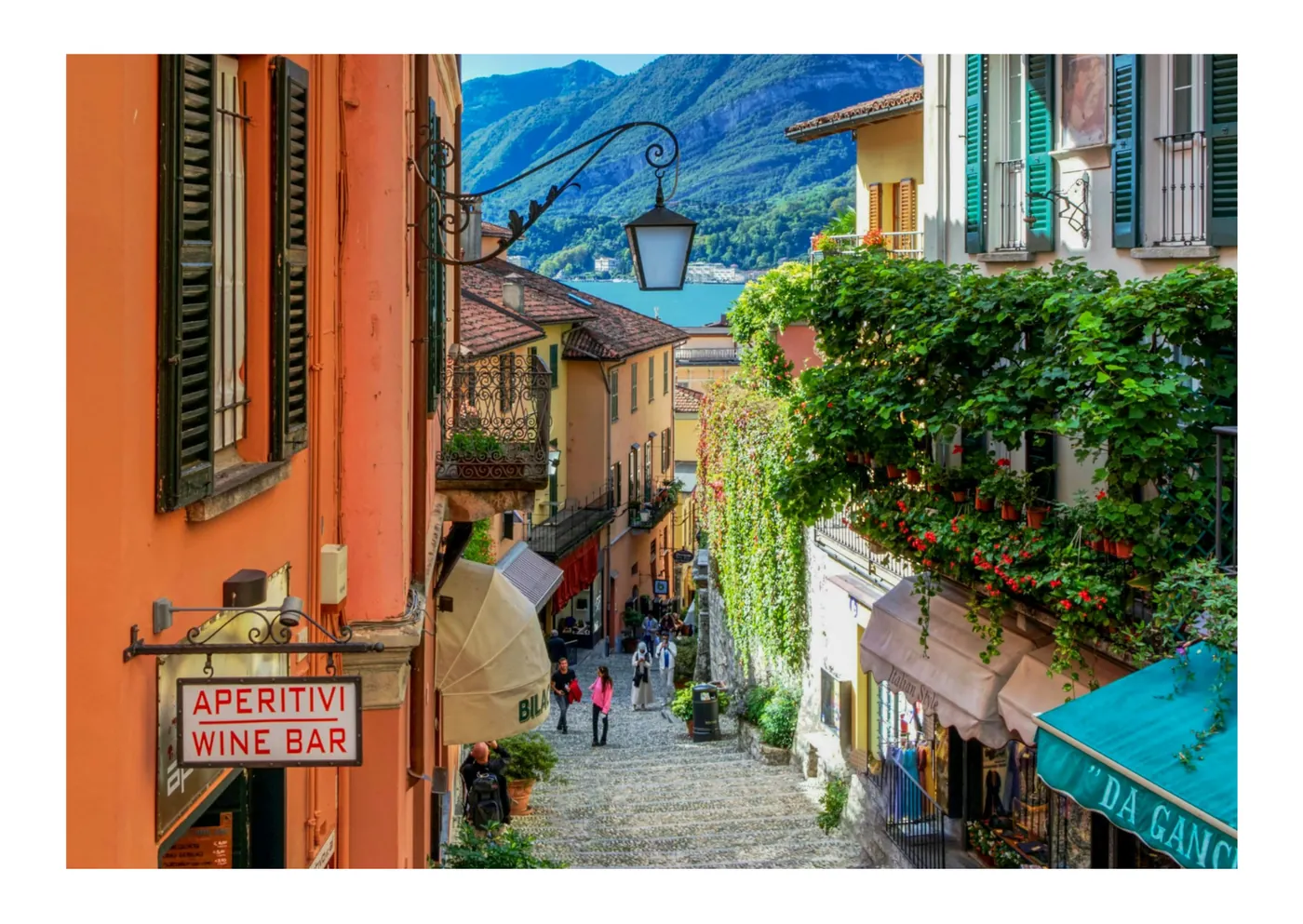




three little steps
Use your own photo, or a design you've already finished, as the front. Add a personal message on the back.
Share a private link by WhatsApp, email or wherever you like. Your first postcard is on us: everyone starts with one free credit.
A paper envelope fills their screen, opens on its hinge and hands over your card. No account, no app.
good to know
Upload a photo or PDF, write your message on the back, then create a private link. Share that link by WhatsApp, mail or text and your online postcard opens straight in the browser of the person you send it to.
Your first postcard to one recipient is on us. After that, each recipient uses one credit and gets a unique link that can be opened on up to three different devices. There is no subscription, credits never expire, and you can top up whenever you need to.
No. Anyone with the link can open the virtual postcard. They see the envelope arrive and open, then flip the card to read your message.
A greeting card site gives you a template with your name added. Here you design a real postcard: your own picture on the front, a message in your own handwriting on the back, a stamp, and an envelope that opens like real mail.
Yes. Every share link has its own tracking view that shows who opened your virtual postcard and at what time, so you know your card arrived.
The app and the recipient page are available in English, Dutch, German, French, Spanish and Italian. You pick the language of the recipient when you create the link.
Yes. Upload any photo for the front of the card, or a PDF if you already designed something. When your PDF has two pages, the second page becomes the back of the postcard automatically.
Yes. Add your recipients by hand, paste a list, upload a spreadsheet or let people leave their address through a collect link. Everyone then gets a personal link, so you can follow up per person.
As long as you want. You can set an expiry date when you create the link, watch the countdown in your dashboard, and extend the link later with one click.
No subscription. Buy credits only when you are ready to send.
Send your first card for free