Send a postcard online in minutes
Upload a photo, write a message on the back, and send a private link. The recipient opens an envelope and finds your postcard inside, with no stamps, no post office trip, and nothing to install.
How it works
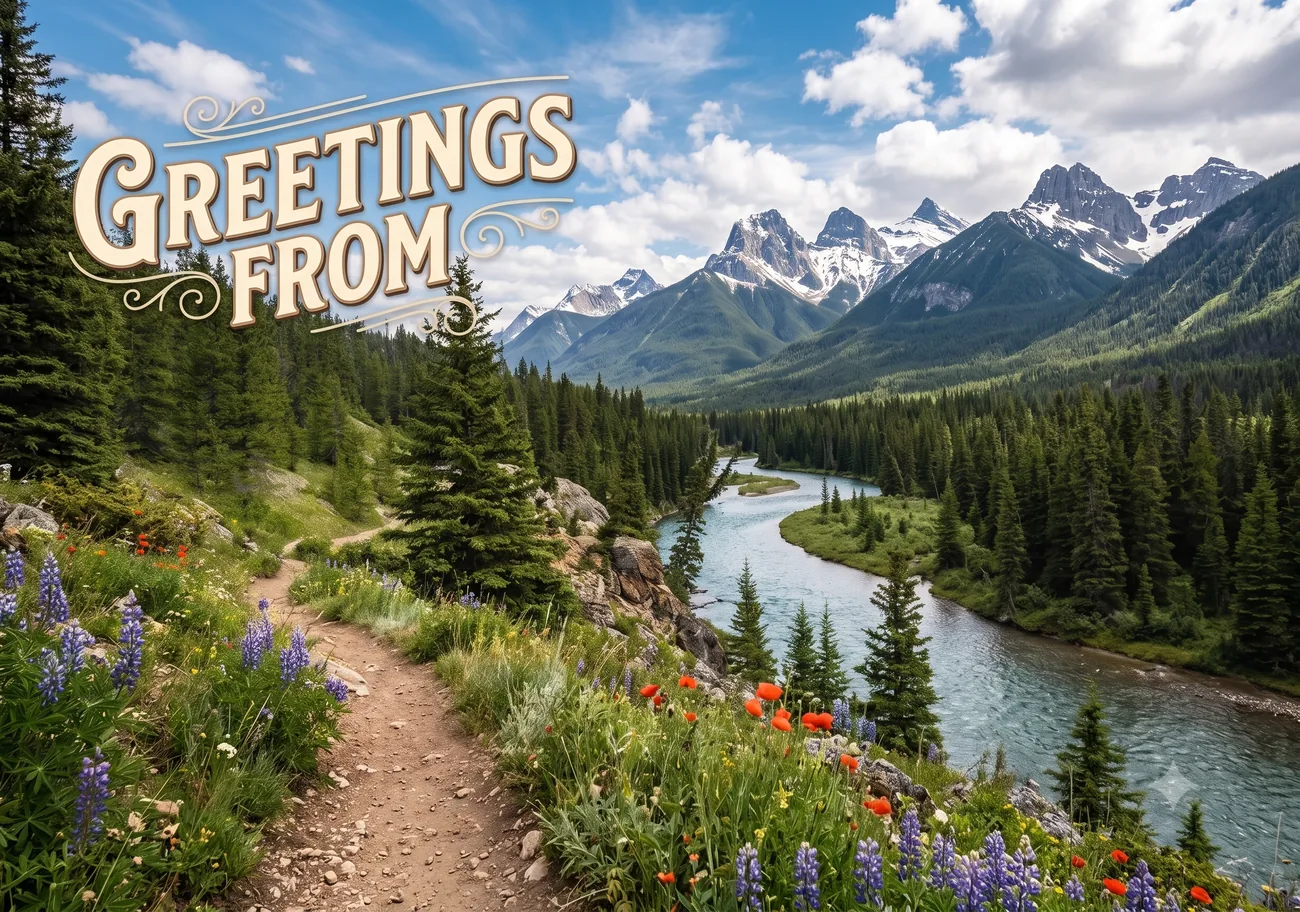
My Virtual Postcard turns your own photo or PDF into a real two-sided postcard. The front is your picture; the back carries your message in a handwritten font and a stamp. You send it as a private link, by WhatsApp, email or text, and the recipient opens it from an animated envelope, then flips the card to read your message.
- Upload a photo or PDF for the front of the card. A two-page PDF automatically uses the second page as the back.
- Choose landscape or portrait, or an aspect ratio like 3:2, 4:3, 16:9 or 1:1.
- Write a message on the back in one of several handwritten fonts, or place a second image instead.
- Place a stamp: a built-in design or your own uploaded image with a perforated edge.
- Share the private link. You can also send it to many people at once with personal links per recipient.
- See in your dashboard who opened the card and when.
Why send a postcard online instead of on paper?
A paper postcard takes days, needs a stamp and an address, and you never know if it arrived. An online postcard arrives the moment you send it, works without the recipient's address, and tells you exactly when it was opened. And because the front is your own photo, it feels at least as personal as the card you would pick off a rack.
What makes it a postcard and not an e-card?
E-cards are templates you fill in. This is a postcard you design: your own image on the front, your own words in handwriting on the back, a stamp in the corner, and an envelope it slides out of. The recipient flips the card over in 3D, so it behaves like the physical object, just delivered instantly.
Send one card, or the same card to a hundred people
Every card can be shared with one person or with a whole list. Paste email addresses, upload a spreadsheet, or share a collect link that gathers addresses for you. Each recipient gets a personal link, and you see per person who has opened the card and who hasn't.
Frequently asked questions
How do I send a postcard online?
Upload a photo or PDF, write your message on the back, and create a private link. Send that link by WhatsApp, email or text, and the recipient opens an envelope and sees your postcard. It takes about two minutes.
Is it free to send a postcard online?
Yes. Creating and sending your first postcards is free, with no credit card needed. You only upgrade when you want extras like higher limits.
Does the recipient need an account?
No. Anyone with the private link can open the card. The recipient sees a short envelope animation and then the postcard, with no sign-up and no app to install.
Can I send a physical postcard instead?
No. My Virtual Postcard is fully digital. That is what makes it instant, free to start and trackable, but nothing arrives in a physical mailbox.
Can I see if my postcard was opened?
Yes. Every share link has its own tracking view with timestamps, so you know exactly when each person opened the card.
Make someone smile today
Upload a photo, write a few lines, and your postcard is on its way. Free to start, no app needed.
Make your card, free